



Description
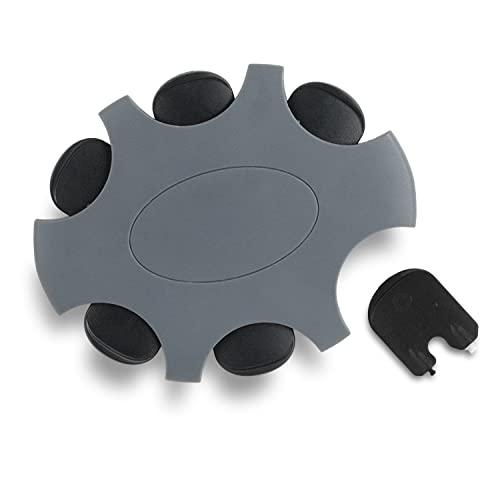
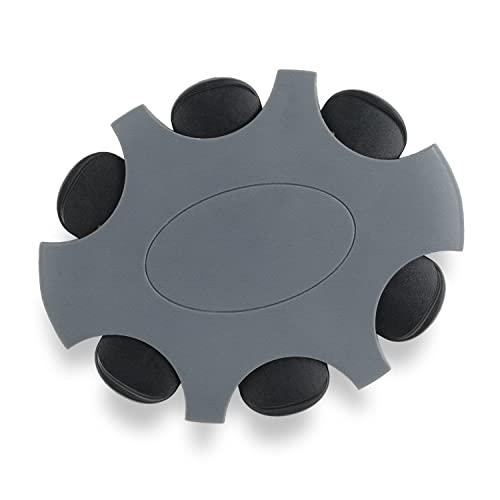
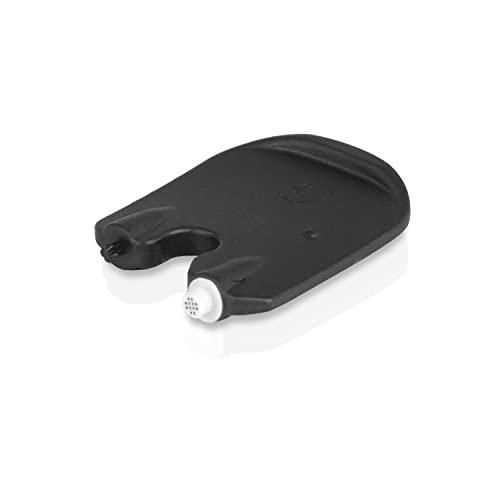
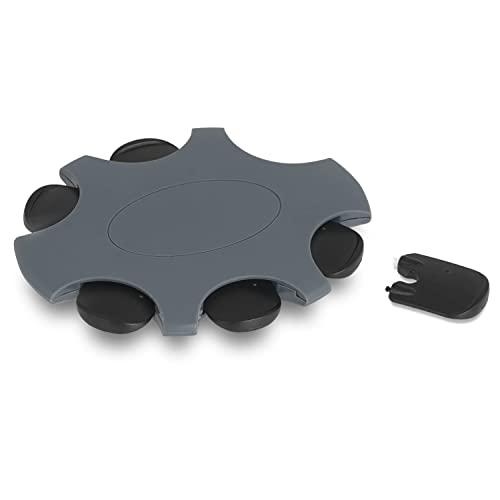
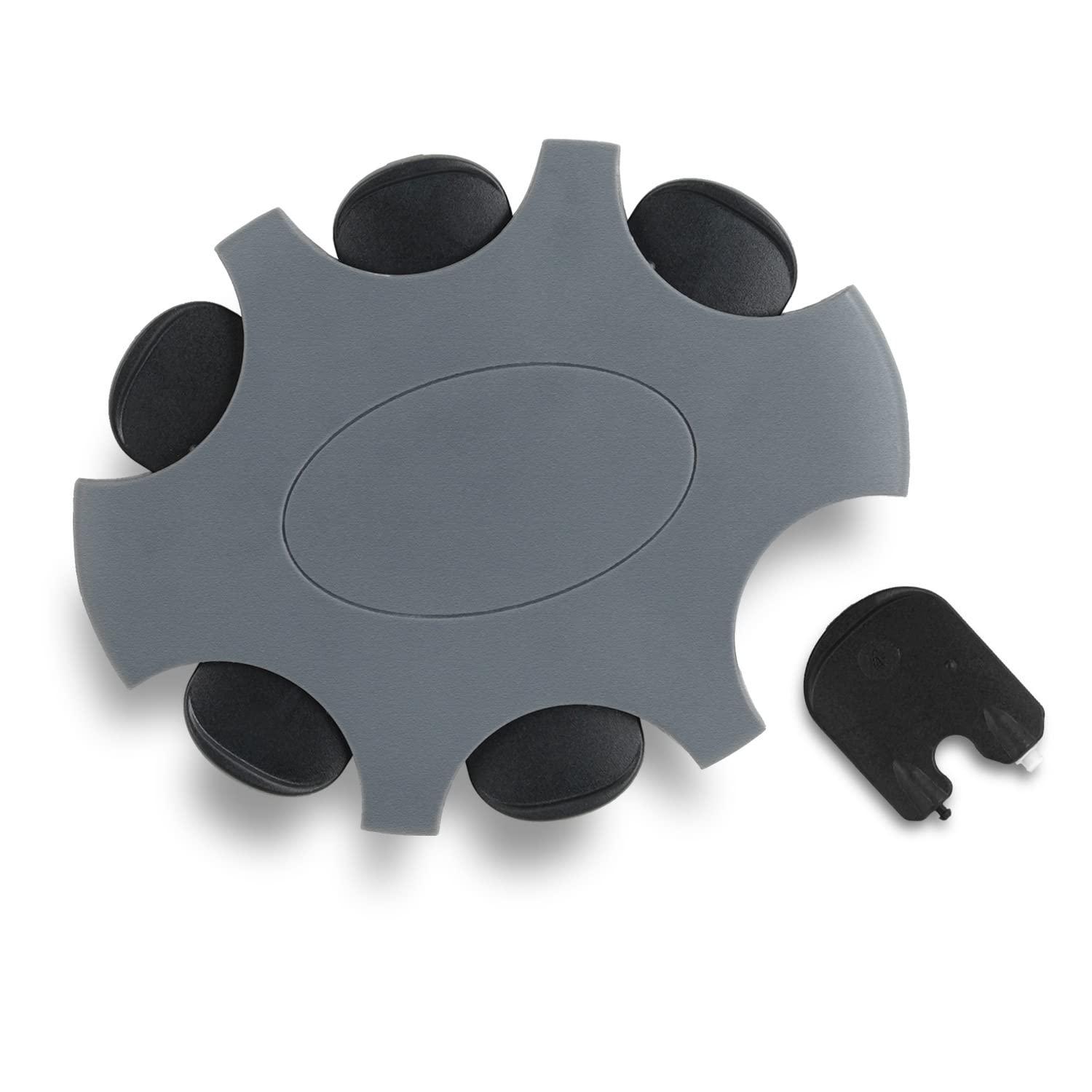
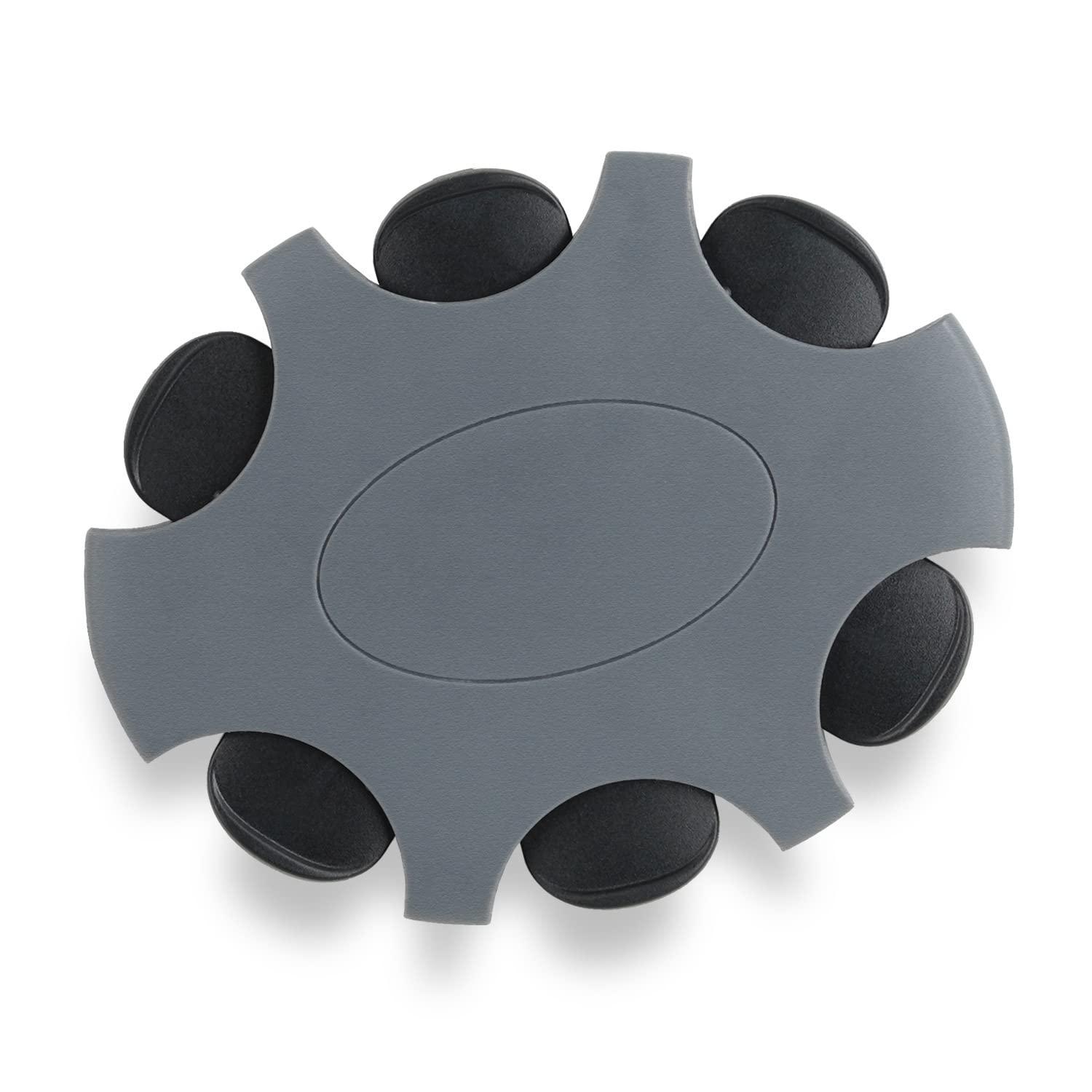
- Value pack: 6 hearing aid filters included in hard case with a replacement tool for each individual filter. Includes instructions how to chance the cerumen filter
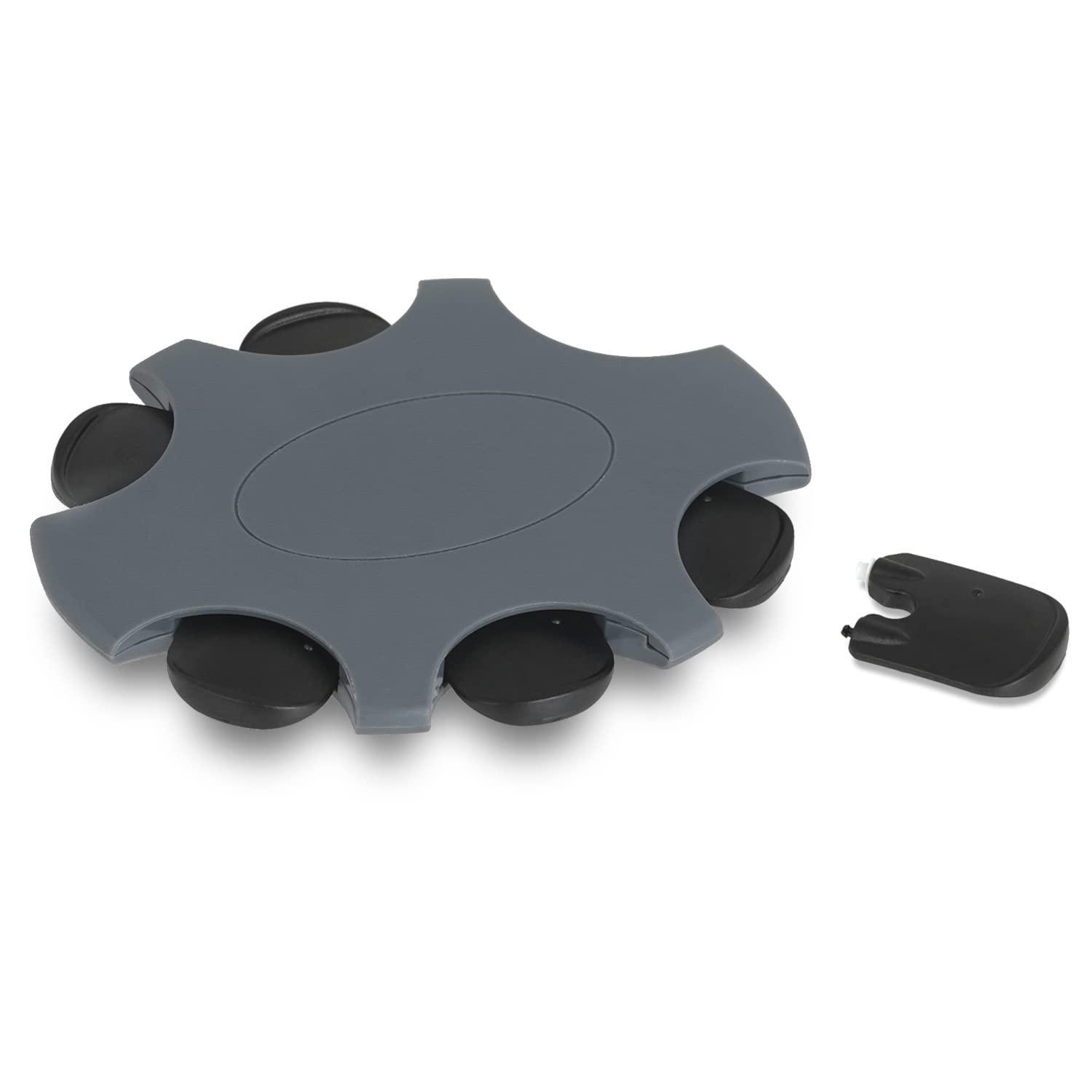
- 2-in-1 tool: Hearing aid filter in handy storage disk. The filters are already attached to the replacement tool and remain hygienically protected
- Hearing aid accessories: Ear wax filter for hearing aids with internal or external speakers, e.g. 100% compatible with Oticon More and Oticon OPN
- Wax protection: The replacement filters protect your hearing aids from the penetration of cerumen and help optimise the acoustics of your hearing aid
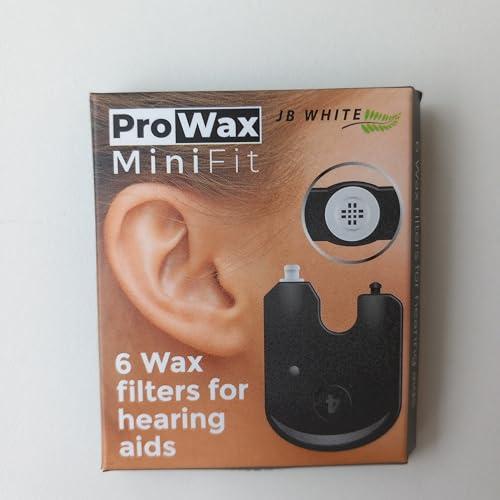
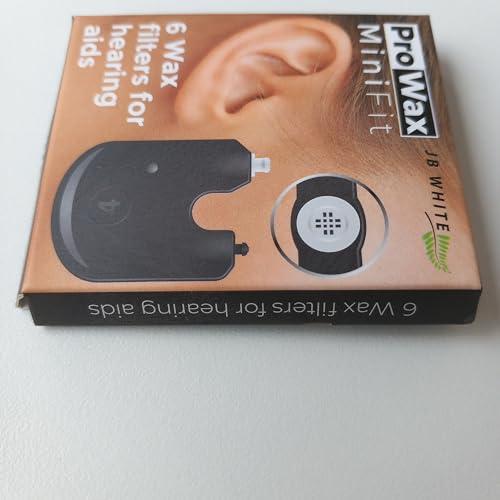
- Box contents: 6 x JB White ProWax MiniFit Filters - Contains 6 Cerumen filters. Includes filter change pin. Replacement for Oticon Pro Wax Min iFit wax filters for hearing aids
Pack of 6 JB White ProWax MiniFit Cerumen Filters for Hearing Aids Compatible with Oticon, Bernafon and Auditio Hearing Aids, Disk with 6 Tools and 6 Filters, Black
Earwax - also called cerumen - protects our ear canal and keeps skin supple. Unfortunately, earwax will clog your hearing aid over time and lead to deteriorated acoustics or lack of hygiene. It helps to replace the hearing aid filter (also called cerumen filter) at regular intervals to ensure that your hearing aid functions perfectly.
Compatibility Note:
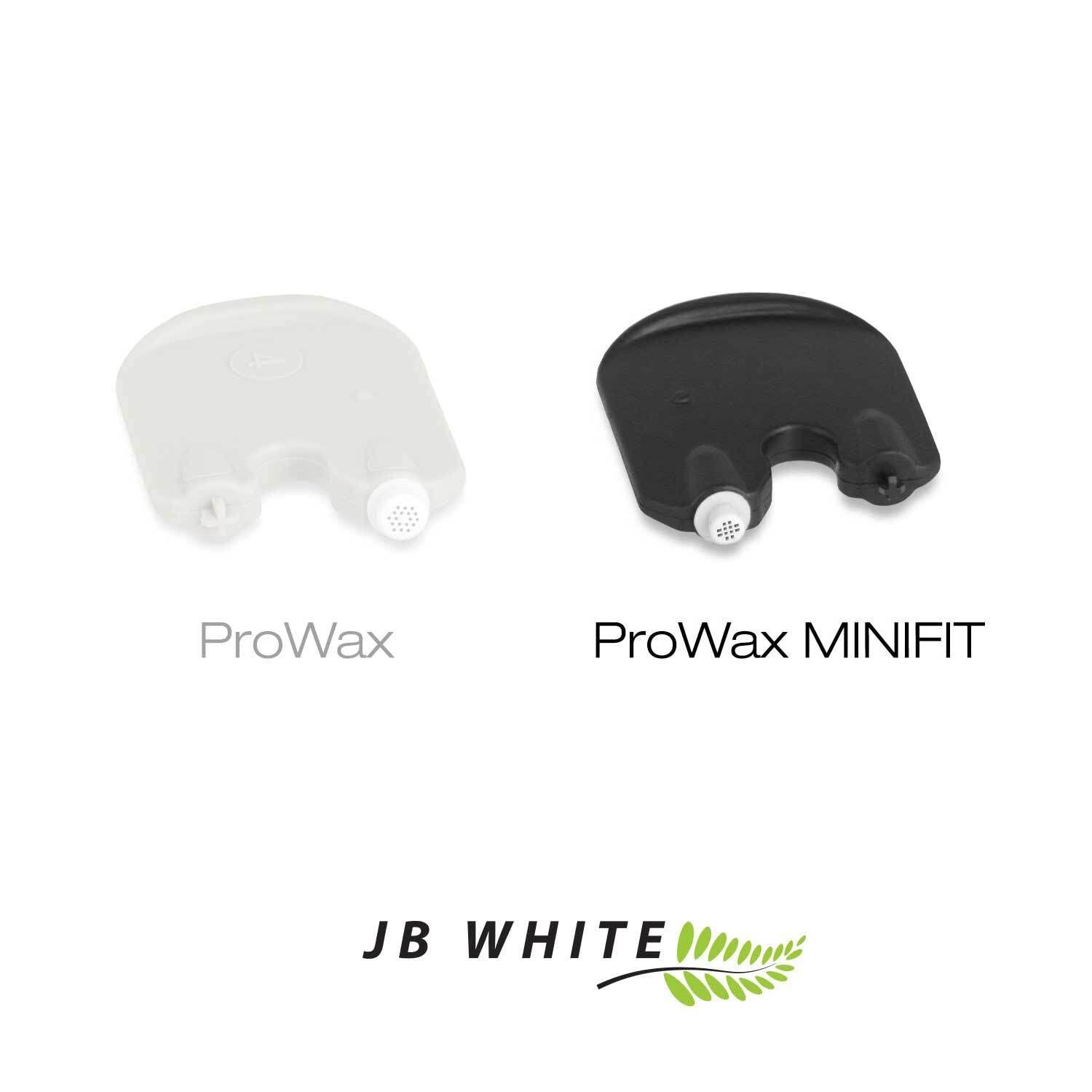
Starting around 2017, ProWax miniFit filters were increasingly installed. Before that, the slightly larger ProWax filter (without the addition "miniFit") was used. ProWax miniFit and ProWax look similar but are not compatible, only one or the other cerumen protector will fit. If you are unsure whether there is a ProWax or ProWax miniFit filter in front of your hearing aid speaker, please ask your on-site hearing care professional. Alternatively, you can also send us a photo of the filter and tools from your previous filter system and we will be happy to help you.
Filter change pin included:
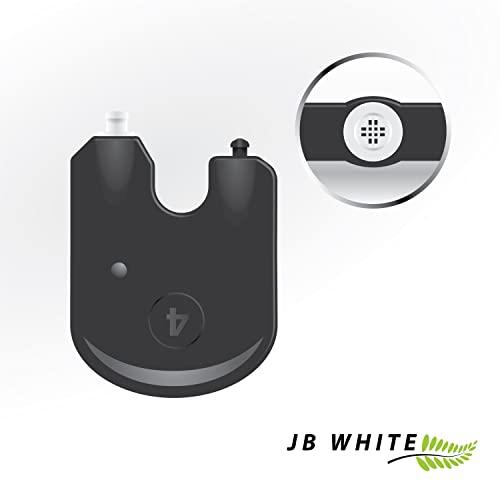
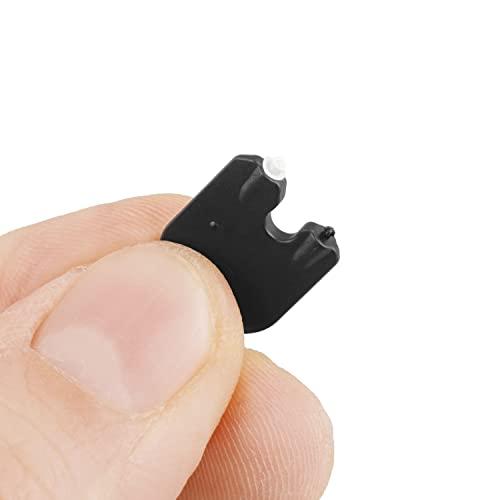
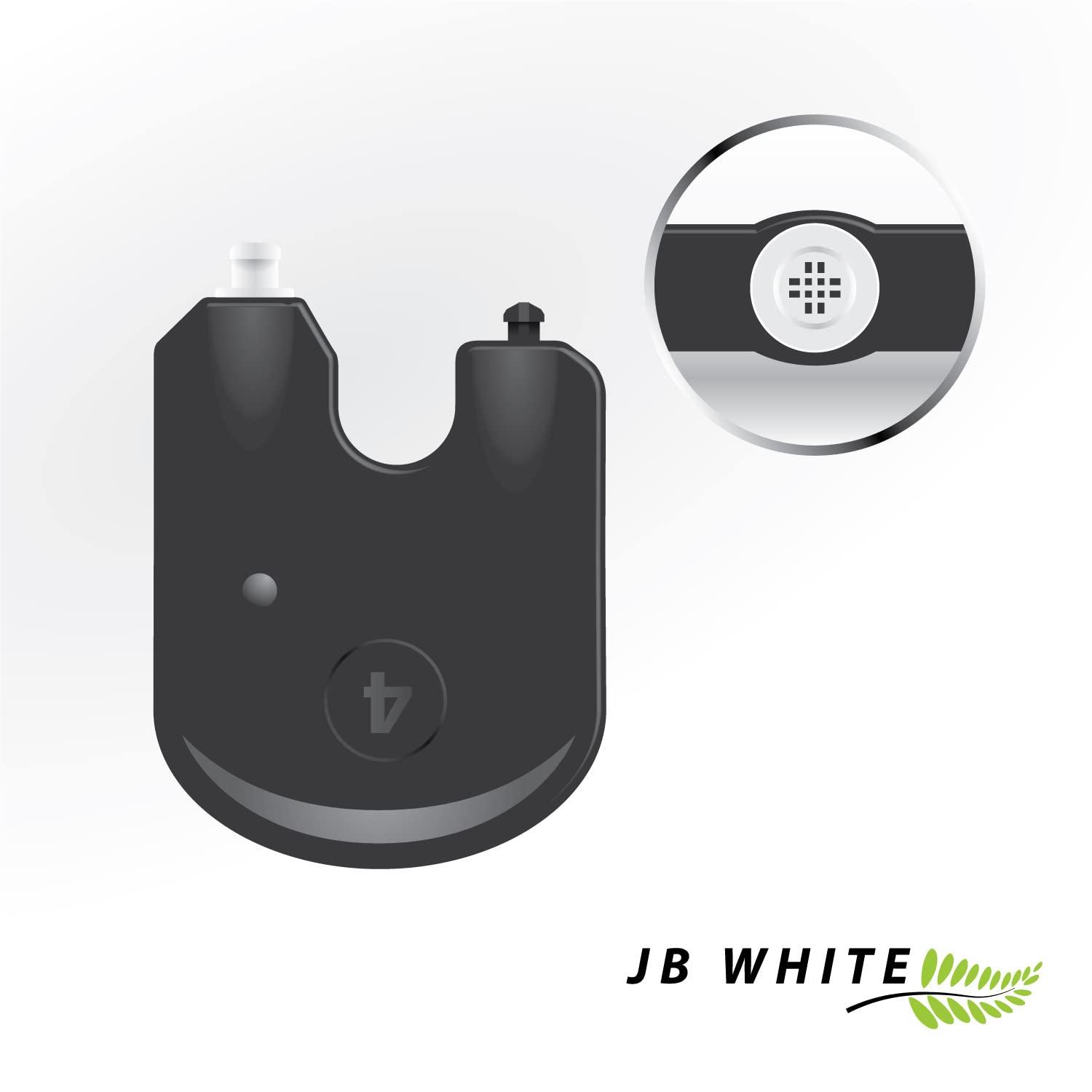
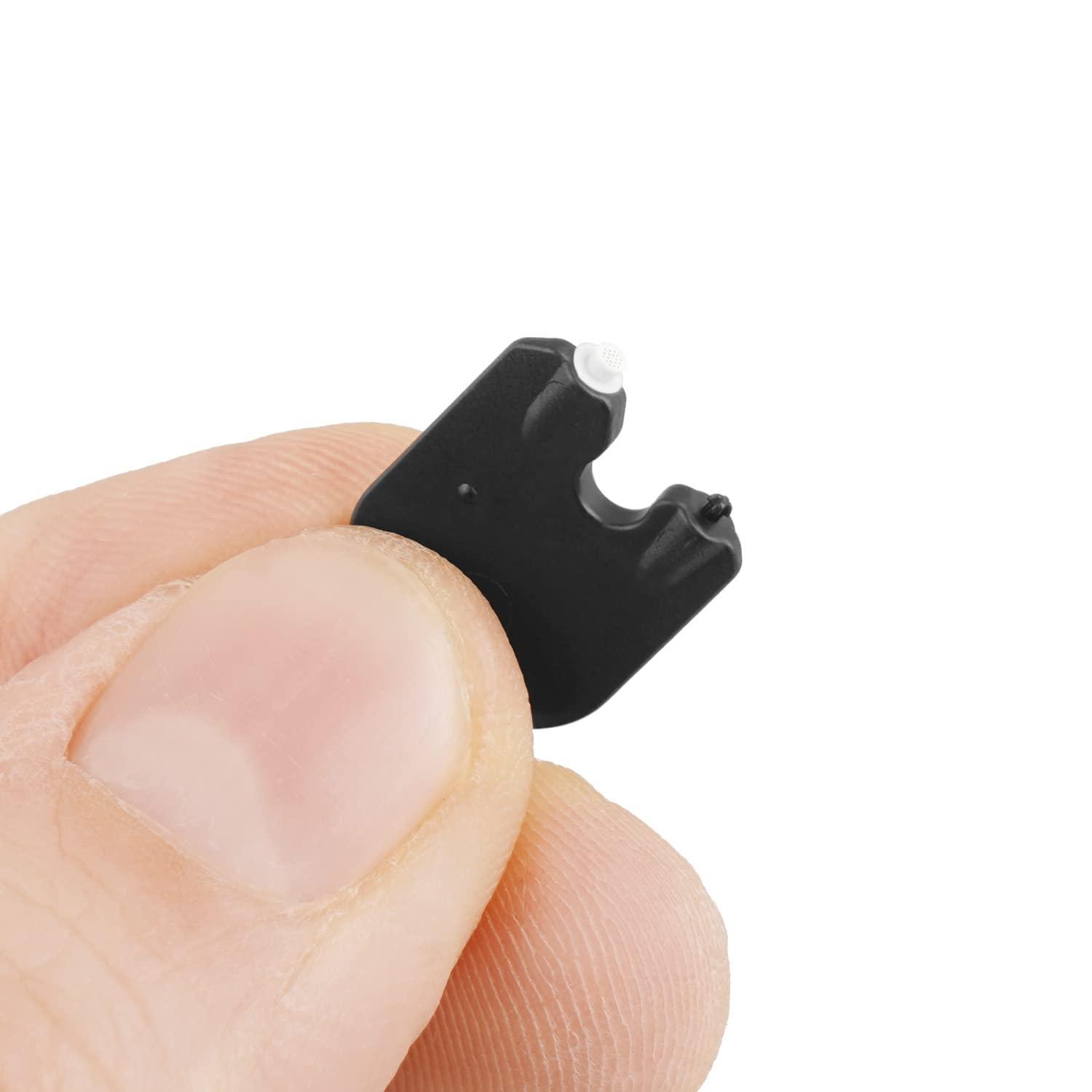
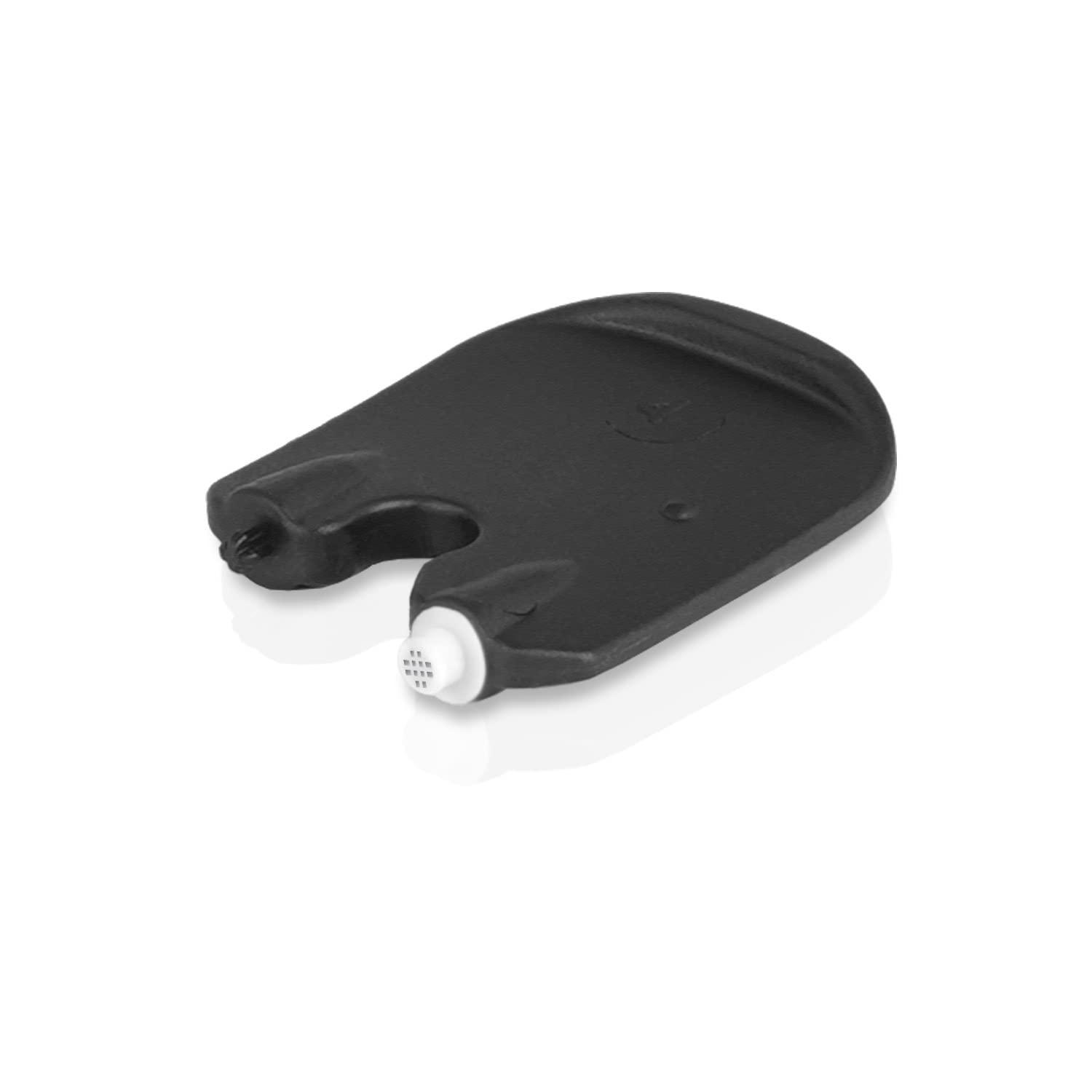
To make replacing the cerumen filters faster and easier, each filter is attached to a change pin. With the help of this small tool, you can optimally remove the filter and insert a new one.
Instructions: Remove a filter module with a new filter from the packaging. Use the empty side to pull out the filter to be changed. Turn the filter module You can now insert a new filter in the same place